Old Photo Restoration AI
Restore Old Photos Online for Free
Restore Old Photos Online with AI (Free & HD Results)
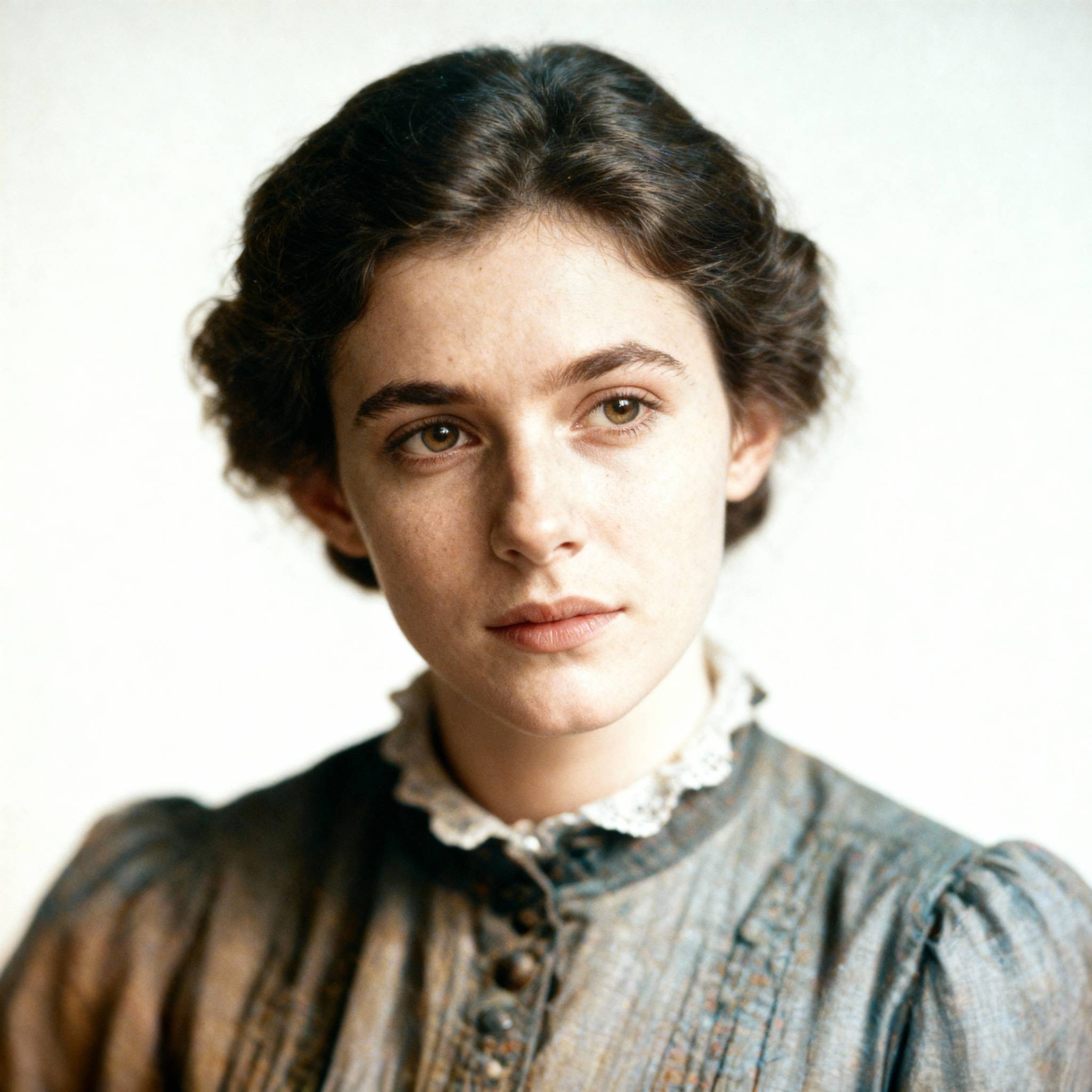

Upload to Restorer
Upload 1 image at a time. JPG or PNG.
Sign in first. After login, upload and restore inside your dashboard workflow.
- ✓ Compare before/after in one frame
- ✓ Click upload to continue with sign-in
- ✓ Restore with full workflow in dashboard
Common Problems in Old Photos
AI restoration handles the most frequent damage patterns automatically.
Scratches and Cracks
Repair scratches, cracks, stains, and torn areas while preserving original facial details and textures.
Yellowed or Faded Color
Fix yellow tint and faded contrast with balanced tones for a cleaner, more natural restoration result.
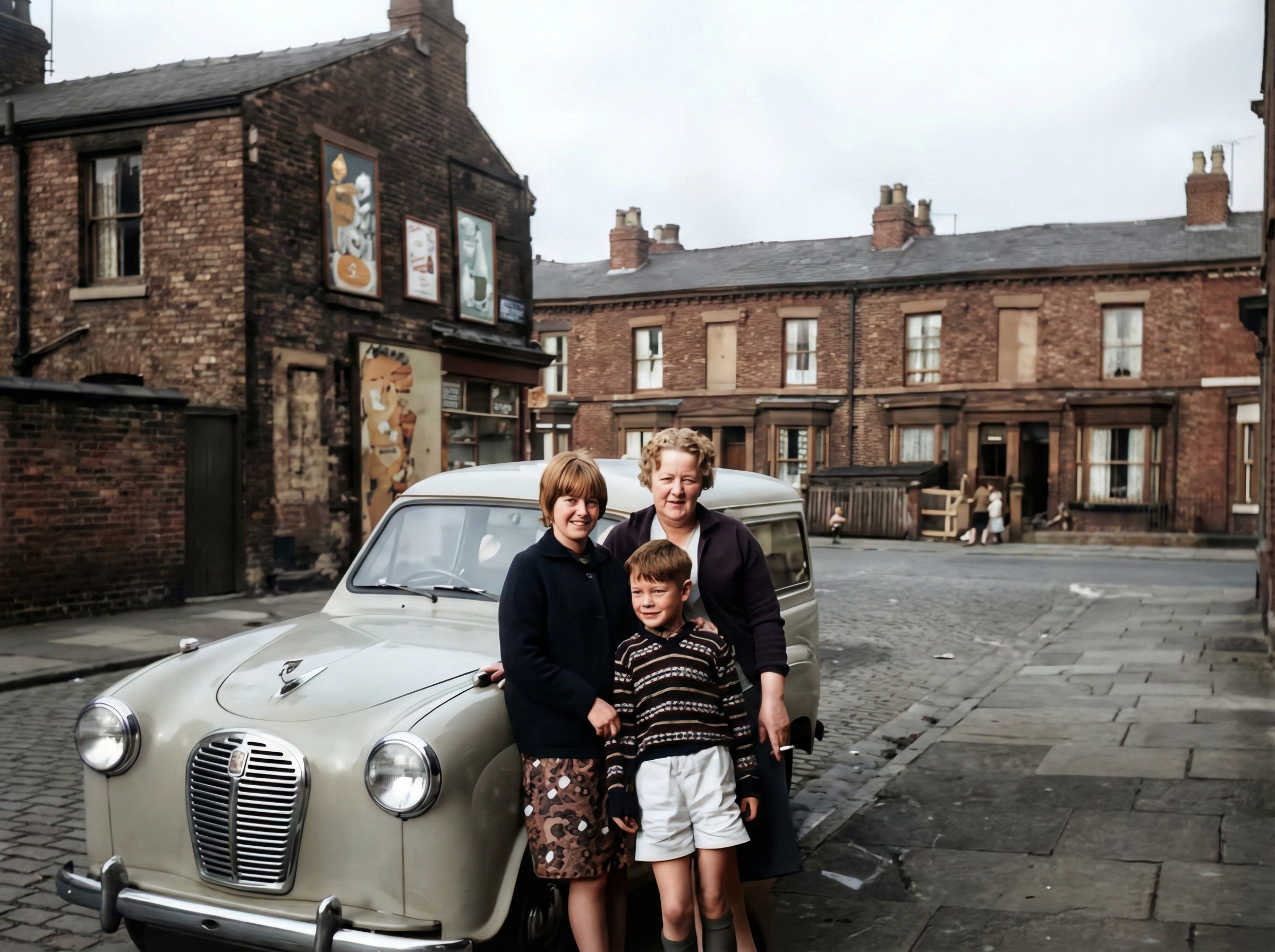
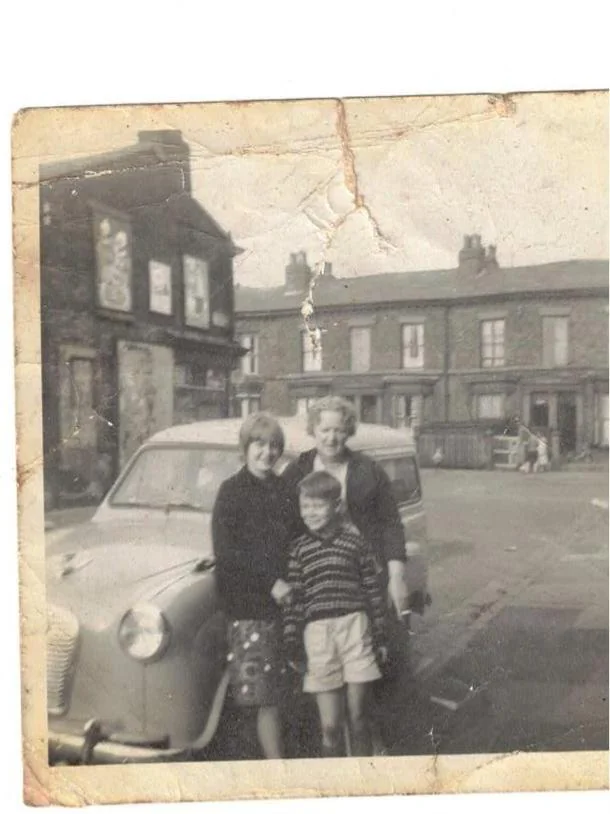
Blurry Faces
Enhance blurry faces in old portraits and group photos with clearer eyes, contours, and skin texture.

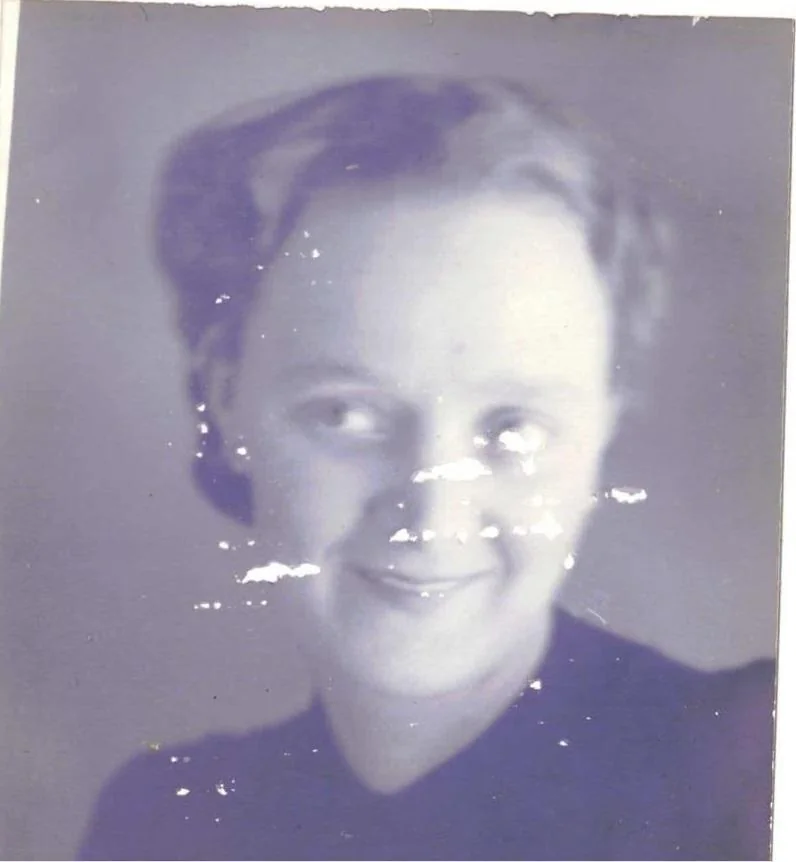
Low Resolution
Upscale low-resolution old photos to HD quality for digital archive, sharing, and print-ready output.


How Old Photo Restoration Works
3 easy steps to restore old photos online.
1. Upload Old Photo
Upload one damaged photo (JPG/PNG) and select your restoration goal.
2. Compare Before/After
Use the slider preview to inspect scratches, color recovery, and face clarity.
3. Restore and Download
Generate final HD output and export for digital archive or printing.
Popular Use Cases
Frequently Asked Questions
Start Restoring Old Photos Today
Repair Damage, Recover Color, Enhance Faces
Restore old family photos online with one workflow. Start free and test quality before upgrading.
Restore old photos online with one focused workflow
Old Photo Restoration Studio is built for old photo restoration, picture restoration, and restoring old photographs online. It helps recover damaged family photos, faded prints, and blurry portraits with targeted AI repair steps.
What people usually need to fix in old photos
Repair visible damage
Remove scratches, cracks, dust, stains, torn corners, and fold marks from scanned family photos.
Recover faded color
Fix yellow casts, washed-out contrast, and age-related discoloration in old printed photos.
Improve face clarity
Enhance blurry faces in old portraits and group photos without making people look artificial.
Prepare photos for printing
Upscale restored images for albums, framed prints, memorial boards, and archive digitization projects.
How to restore damaged family photos
- 1Upload a scanned photo or mobile snapshot of the print.
- 2Choose the restoration goal: scratch repair, color recovery, face enhancement, or upscale.
- 3Preview the restored result and export the version you want to save or print.
Popular restoration pages
These pages target high-intent searches such as repairing scratches, fixing yellowed photos, and restoring faces in old portraits.
Why this is stronger for SEO than a generic image tool page
Search traffic for old photo restoration is highly intent-driven. Users usually search for one concrete job to be done: repair cracks, restore faded colors, enhance faces, or prepare a photo for printing. Dedicated scenario pages and case examples match that intent better than a broad AI editor page.
How people describe the same restoration job
Different users phrase the same need differently. Some search for picture restoration, others say restore old photographs or repair damaged photo. These paths help match that language to a more focused landing page.
Picture restoration
A broad search used by people who want to fix damaged printed photos without using advanced editing software.
Restore old photographs
Usually a preservation-oriented query for vintage portraits, family albums, and sentimental prints.
Repair damaged photo
This intent is about specific defects like scratches, cracks, stains, torn corners, and surface wear.
Fix yellowed photo
A color-recovery query for users dealing with faded tones, yellow casts, and washed-out contrast.
Colorize black and white photo
Users want to add believable color to vintage portraits and family prints while keeping the original mood.
Restore old photos in bulk
A batch-intent query for albums, archive collections, and projects with many photos to clean up at once.
Repair torn photo
Users need help with ripped edges, missing corners, and visible paper breaks in sentimental prints.
Restore old wedding photos
A high-emotion query focused on preserving expressions, clothing detail, and atmosphere in wedding portraits.
Sepia photo restoration
This intent is about improving clarity and damage while keeping the warm vintage tone of historical prints.
Restore faded photo
A tone-recovery query for washed-out prints that still have detail but need stronger contrast and clarity.
Repair water damaged photo
Users need help with stains, tide marks, blotches, and moisture damage in vulnerable family prints.
Restore military photos
A preservation-focused query where uniform detail, insignia, and historical tone all matter.